
How to Keep Track of AI-Generated Content (A Simple System)
How to Keep Track of AI-Generated Content (A Simple System)
If you post a lot of content made with AI, at some point someone asks: which tool made this? Which prompt? Which settings?
The honest answer for most solo creators is “I have no idea.” The script came from one app, the image from another, the video from a third, the voice from a fourth. A month later you could not re-create the exact post that did well, even if you wanted to. And if a platform or a client ever asks what AI you used, you are guessing.
You do not need to fix AI trust as an industry problem. You need a small, repeatable routine in your own workflow: keep a record of what you made and how. This post is that system.
Why a record matters more than you think
A content record is not paperwork for its own sake. It is how your content stays reproducible and consistent.
Without one, three things quietly go wrong:
- You cannot repeat your wins. When a post performs, the obvious move is to make more like it. If you do not know which script, which image, which format, and which caption pattern produced it, you cannot copy the part that worked. You guess, and the next month drifts.
- You keep re-teaching your tools. Every new post is a fresh scramble to remember your brand voice, your style, your settings. That is exactly the overhead a connected workflow is meant to remove, which is why automating the creation workflow and setting your brand voice once both start from the same idea: anchor the identity once instead of re-explaining it every time.
- You cannot answer the transparency question. Platforms and audiences are paying more attention to AI-made content. Knowing exactly what you used, and why, lets you answer plainly instead of guessing and sounding evasive. It is the habit half of the same instinct that makes vetting your AI tools before you commit worth doing at all.
The trend piece that introduced this idea was about AI model provenance, the technical field of proving which model produced which output. That verification layer is still early and not something a small creator can use yet. But the underlying habit, keeping a clear record of what AI did, is useful today and does not require any special tools.
What to record for every piece you make
You do not need a spreadsheet with thirty columns. For each finished post, capture six fields:
- Date you made it.
- Tool and model, if you know it (for example, the image step or the video step you ran).
- The prompt or brief that started it.
- The exact settings you changed from the default.
- The reference you used (a face, a style, a sample of your voice).
- What you changed after generation (edited, regenerated, or shipped as is).
Write it down at the moment you generate, not at the end of the week. The whole point is that you remember now and not later.
Five posts per week at six fields each is thirty short lines. It takes about five minutes total, usually less.
The easiest way is to keep a simple content ledger
The record only works if it is quick to write and always in the same place.
A plain document or note, one line per piece, is enough. Keep it sorted by date. When a post does well, you open the ledger, find the winning entry, and re-run the same ingredients with a small twist.
A good linkage to make while you are in there: note which posts came from reusing an earlier piece. If you turn one good video into a set of clips and captions, say so in the ledger. That tells you which source is earning the most reuse and which format of reuse your audience responds to. It is the same tracking instinct that makes turning one strong piece into several posts rewarding instead of chaotic.
What you should not do is let the record live only inside each separate app’s own history. Every tool keeps its own notes, for as long as it chooses. When your process is strung across several apps, the trail is broken. You can see the image history in the image app and the script history in the writing app, but nothing ties them to one finished post. A ledger you own closes that gap.
The record is easier when the pipeline is one connected flow
Here is where the production-manager idea comes in.
The task of keeping track gets much smaller when your content does not live in six separate places. A connected flow script, image, video, voiceover, caption, and calendar in one line means every piece of a post comes out of the same place. Your reference photo and your voice are attached once, at your avatar level, instead of pasted into a different app every time. When you look back at a post that performed, all of its pieces and the settings that made them are right there with it.
That is the difference between a stack of disconnected AI tools and a capable assistant. With a stack, you re-explain your brand in every app, and your history scatters. With one flow, the record is a natural part of the output, rather than an extra chore on top of a scattered workflow. It is the same reason a connected content system survives without a big team: when everything lives in one place, keeping track stops being a separate job.
This is exactly the kind of overhead the AI Influencer Suite is built to remove. It was built because the founder had to run a one-person content business from his phone, and stitching image, video, script, voiceover, and scheduling tools together was eating more time than the content itself.
Who this protects you from being wrong about
Platforms asking what you used
If a platform ever asks, or a guideline changes, knowing your tools and your disclosure decision lets you answer directly. You are not caught mid-guess.
Clients and collaborators
If you make content for someone else, they may want to know what AI was involved and whether a human approved the final piece. A record answers that from day one instead of on the spot.
Your future self
Six months from now, you will not remember the settings for that post that kept working. Your ledger will. That is the entire reason to start today.
A one-page routine you can start next week
You do not need to overhaul anything. Take these four steps:
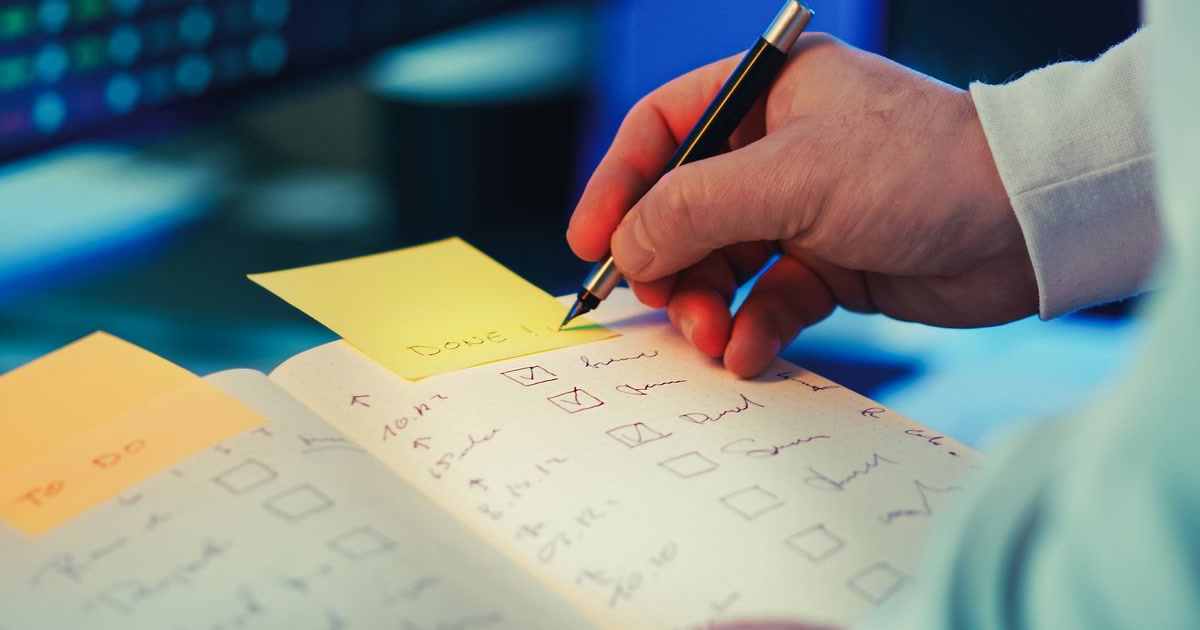
- Open one document and call it your content ledger. Date, tool, prompt, settings, reference, edits. Six columns, one row per post.
- Capture at generation time. The moment a piece is made, add the row. It takes under a minute.
- Link reuse. When you repurpose an older piece, link the new row to the source.
- Review once a week. On the weekend, look at what worked. Re-run the winning ingredients.
If you are already using a connected content flow, the routine is even lighter, because the reference and voice are stored once and every post inherits them. You are filling in the “what changed” column, not re-copying your whole identity every time.
Try it for two weeks. The most likely result is that you post more consistently, stop re-teaching your tools, and actually know what you made and how.
Start a free trial and keep your whole pipeline in one place
You can run this system with a plain document and any set of tools. But keeping the record is dramatically easier when your content lives in one connected flow instead of five tabs.
AI Influencer Suite gives you one place for your avatar, your image generation, your videos, your scripts and captions, and your content calendar all on-brand and on your phone. A genuinely useful free tier, 10 images and 2 videos for life, no card. The Creator plan is $29 a month with unlimited images and 10 videos, and the Pro plan is $79 a month with unlimited images and 25 videos.
Keep the record, reproduce the wins, and let the calendar do the remembering.