
—
title: “How to Make an AI Agent Edit Video Like a Pro”
slug: /blog/ai-agent-video-editing
meta:
title: “How to Make an AI Agent Edit Video Like a Pro”
description: “AI agents used to fake video editing with web pages. A new agent-native engine changes that. Here’s what it means for solo creators, and what still needs a human.”
target_keyword: “how to make an AI agent edit video like a pro”
secondary_keywords:
– “AI video editing for creators”
– “agent-native video editing”
– “AI content creation for solo creators”
type: APP
word_count_target: 800–1000
internal_links:
– /blog/ai-content-creation-tools
– /blog/ai-video-generation-for-social-media
– /pricing
—
# How to Make an AI Agent Edit Video Like a Pro
Every week there is a new claim that AI has “solved” video. The honest part people skip: most AI agents were never actually editing video. They were building a web page in HTML or React, animating parts of it, and calling the render a cut. The result is why so much generated video looks flat and stitched together.
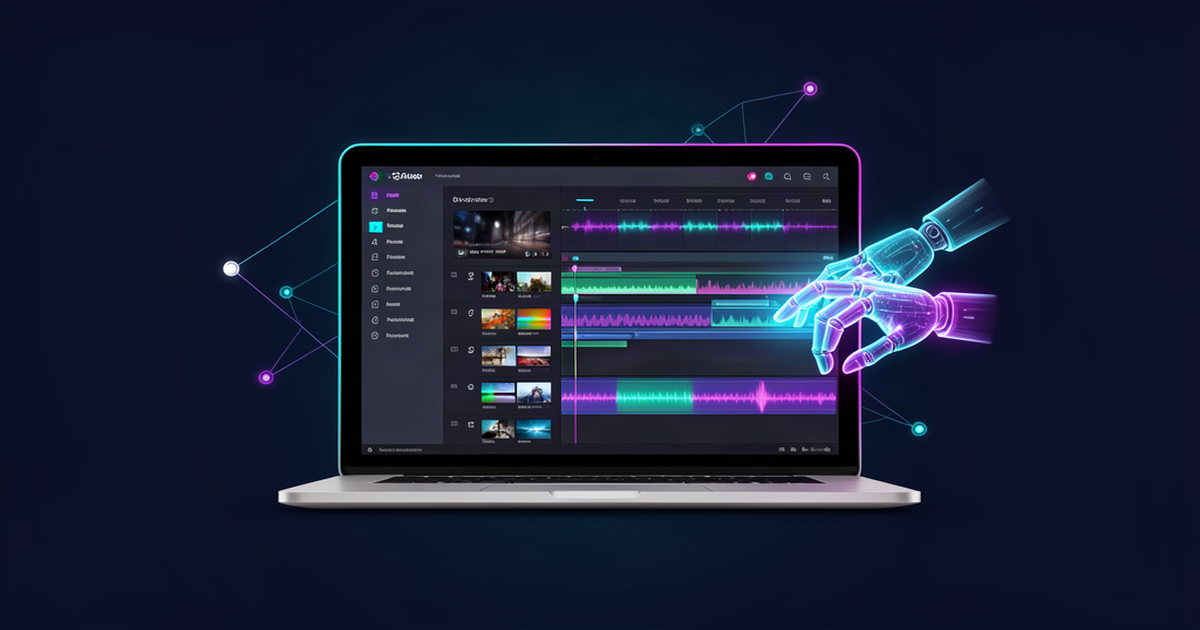
That is changing. In September, Mirage (the company behind Captions) announced Tesseract, a video creative suite built specifically for AI agents. It hands agents the real tools of video work, layers, keyframes, masks, compositing, and sound, inside one editable project. The company describes it as “Premiere and After Effects, rebuilt for agents.”
Here is what that shift means if you are a solo creator, what it does not replace, and where the edit stage still sits in a one-person production flow.
## Why AI video output used to look fake
To understand why this matters, it helps to see how agents used to “edit” video. Most were constructing a scene with web technology, an HTML page or a React overlay, then exporting that as a video file. That is why the output could look like a slideshow with motion effects instead of a real cut. The agent was never touching the footage, the layers, or the timing in the way an editor does.
Tesseract takes a different route. Per the company’s announcement, it gives agents direct access to a creative engine built around real video concepts: layers, compositions, keyframes, masks, adjustment layers, timing, and sound, all in one editable project. The agent works with those primitives directly instead of faking it through a browser. Projects stay editable, so you can ask for a rework of a whole sequence or a single keyframe change.
Full disclosure on credibility: these are Mirage’s launch claims, not an independent verdict. Treat the direction as real, but test it before you bet a workflow on it. That is a good habit for any new AI tool.
## What this runs on, and what it costs
The part that makes this worth watching for a solo creator is the price of entry. Tesseract’s entire workflow, including preview, render, and export, runs on a free local engine. No Captions account, no API key, no credits required. You pay only for the agent (or model) you already run it through. Setup is via GitHub, so it targets people comfortable installing local tools, not every creator.
Two honest caveats. First, “free engine” means the tool itself costs nothing, but you still pay for whichever agent you run it through. Second, it requires a compatible agent setup that can access local files, which may be a technical step you do not want to take. If that is you, this release matters as a signal more than as a to-do.
## What agent-native editing does not do
An agent that edits well is still only a slice of the content pipeline. Producing a post that keeps your audience involves more than a clean cut:
– Your on-screen person or subject has to look consistent from one post to the next.
– You need a hook, a script, and captions that sound like your brand.
– You have to post on a rhythm, which usually means a calendar.
– Editing is one stage, not the whole job.
This is the production-manager work that most solo creators are actually doing by hand. You are not just cutting video, you are juggling an image tool, a video tool, a writing tool, a caption tool, a scheduling tool, and trying to keep your brand voice and face consistent across all of them. That is the exhausting part, and it is why so many creators burn out a few weeks in.
## Where the edit stage fits a one-person flow
The smart way to think about agent-native editing is as one more step in a connected pipeline, not a new mountain of separate tools. The value compounds when the things you edit are assets you already own and that already look like you.
That is the reasoning behind the golden path in AI Influencer Suite. You build your avatar once, generate an on-brand image from it, then animate that exact photo into a video using what is called a Frame 0 approach. Generating the still first and animating it is what keeps your identity consistent across posts, instead of letting a text-to-video model drift into a face that does not look like you. From there you add captions, hashtags, and voiceover, then schedule everything into a content calendar.
An agent-native edit tool like Tesseract sits naturally at the stage after that video is generated, giving you real control over cuts, titles, and motion polish. The pattern that wins for a solo creator is fewer, connected steps, not more subscriptions bolted together.
## The takeaway
The wall for most solo creators was never the idea or the budget. It was that finishing a video still needed a human hunched over an editor. When the edit stage finally goes agent-native and stops costing a subscription, one more excuse for not shipping disappears.
But note what a good editor cannot do for you. It cannot make your content sound like your brand, keep your identity consistent, or make sure you post tomorrow. Those are the production-manager jobs that a connected flow handles better than any single editing tool.
That is the honest division of labor in 2026: AI can now handle far more of the edit itself, and the tools that tie the whole production together are the ones that remove the real bottleneck. No camera. No crew. No experience required. Just one connected flow where you direct, and the production work happens around you.
—
## Internal Linking Suggestions
– [Link to: /blog/ai-content-creation-tools] — A practical guide to AI content creation tools for solopreneurs
– [Link to: /blog/ai-video-generation-for-social-media] — Related post on AI video generation and identity consistency
– [Link to: /pricing] — Compare plans and limits for AI Influencer Suite
## Call to Action
Try AI Influencer Suite free, 10 images and 2 videos, lifetime, no credit card. Upgrade to Creator for $19/mo when you need unlimited images and 10 videos a month, or Pro for $39/mo and 25 videos. Video packs are available as one-time add-ons (5 videos for $8, 15 for $20, 40 for $45).
Leave a Reply