Consistent AI Influencer Face: Stop Your Persona Drifting Between Images and Video
Short answer: To keep a consistent AI influencer face, stop describing your persona in text and give the model the same reference photos on every generation. Make the image first, approve it, then use that exact image as the first frame of the video. Test 10 shots at once, 6 images and 4 video frames, and throw out anything that drifts.
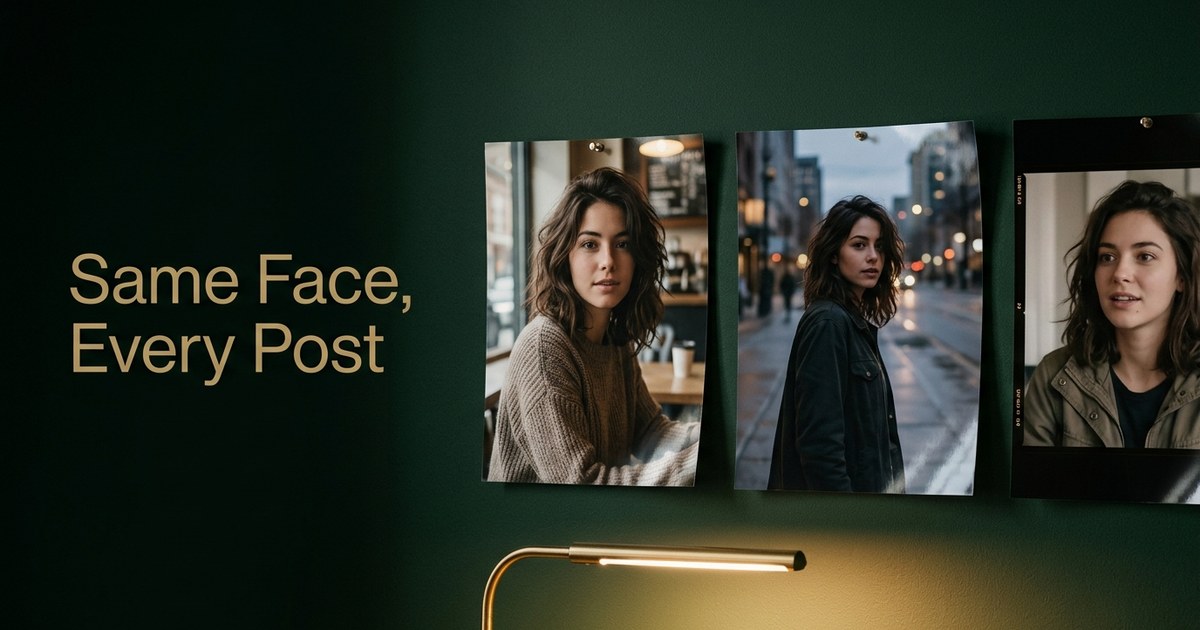
You generate a video of your persona, love it, generate the next one, and the face is recognizably different. The eyes shift, the jaw gets narrower, the lighting changes the whole identity. If you run a persona people follow, this isn’t a small bug. Your followers notice before you do, and a face that keeps changing reads like a different stranger wearing your persona’s clothes.
The good news: a consistent AI influencer face isn’t luck. One rule fixes most of it, and the rest is a quick test you can run today. This guide covers why faces drift, the rule, how to keep the face when you go from image to video, and a 10-shot checklist you can score yourself.
Why AI influencer faces drift
Most drift comes from three places.
- Prompt drift. Give a model a text description and it invents a face to fit it. “Young woman, warm smile, shoulder-length hair” fits thousands of faces, so every generation picks a slightly different one. Writing the description longer doesn’t fix it. It just gives the model more words to reinterpret.
- Model switching. Every image and video model reads a face differently. Make the photo in one tool, the video in another and the thumbnail in a third, and you get three close relatives instead of one person.
- Video motion. A video model has to invent every frame after the first one. Head turns, big smiles, hands crossing the face and fast camera moves are where it starts guessing, and that’s where the face slides. The first frame can be perfect while frame 90 is someone else.
Researchers keep landing on the same finding: a reference image is what actually anchors identity. Describe a character in text alone and it drifts. Give the model an image it can hold onto and the next generation matches far more reliably.
The one rule: same reference photos on every generation
You can’t type your way to a consistent face across dozens of posts. You need a visual anchor that never changes.
- Pick your reference set once. A few clean, well-lit photos of the persona: front, three-quarter, and one with a natural expression.
- Send those same photos with every request. Not a new favorite each week. Every new reference you swap in is a chance for the face to shift a little.
- Change one thing per post. Outfit, place or pose. The face stays the input, the scene is the variable.
- Never build on a drifted result. If an output is off, regenerate from your references. Drift compounds when you use a slightly wrong face as the next reference.
This is how AI Influencer Suite works under the hood. When you build an avatar, you upload 1 to 5 reference photos (or generate an avatar with no photos), and those photos are injected into every image and video request. There’s no per-user model to train and no training wait. The reference isn’t an option you have to remember; it’s how generation works in the app.
Do you need to train a LoRA?
A lot of the top guides tell you to train a LoRA (a small custom model fine-tuned on 15 to 40 images of your character). It works, and if you run your own image pipeline it can give you very tight control. But it costs you a training run per persona, a carefully picked dataset of a person who doesn’t exist yet, and a retrain every time you change models. For a solo operator posting most days, reference photos sent with every request get you most of the way without any of that. Try the 10-shot test below first. Train a LoRA only if references alone fail it.
Keeping the face when you go from image to video
This is where most consistency guides stop, and it’s where most personas break. Your photos look like one person, then the Reel looks like their cousin.

The fix is to never let the video model invent the face:
- Image first, then animate it. Generate the photo with your references, approve it, then use that exact photo as frame zero of the video. The video model is now animating a face you already approved instead of imagining one from a description.
- Keep clips short. A few seconds per shot holds identity far better than one long take. Cut between short shots instead.
- Ask for small, clear motion. A head tilt, a walk toward camera, a slow push in. Fast spins, turning away from camera and hands over the face are where drift shows up.
- Keep the face visible and the light steady. Extreme angles and dramatic lighting changes stress every model.
- Watch the middle, not just the thumbnail. Check the first frame, the middle and the last frame against your reference photo. A clip can open perfect and drift halfway through.
In AI Influencer Suite that path is the default: your avatar’s references go into the image, and the approved image becomes the first frame of the video. Scene Director takes a plain-English description, writes the script, breaks it into scenes and renders each one with Google Veo 3.1 from your avatar, so a multi-scene video doesn’t mean re-describing the face scene by scene. If you want the step-by-step on animating stills, read how to turn photos into videos with AI.
The 10-shot consistency test
Run this before you build a series, whenever you change tools, and any time a follower asks “is that the same person?”

- Generate 6 images from the same reference set: a neutral headshot, a left three-quarter, a profile, a big smile with teeth showing, a full-body shot, and one with a hand near the face.
- Generate 2 short videos from two of those approved images. Take 4 frames: the first and middle frame of each.
- Lay all 10 out in one grid next to your main reference photo. Look at them small first. Differences you miss one at a time are obvious in a grid.
- Score each shot against five things: face shape and jaw, eyes and eyebrows, nose and mouth, hairline and hair, apparent age. Each one is either the same or changed.
- A shot passes if all five match. If two or more changed, it fails. Regenerate it from your references, not from another output.
Keep a note of the date, the tool and how many of the 10 passed. When you switch models or the tool updates, run it again and compare. This isn’t face recognition software, it’s an honest eye test, and it’s the same test your followers are running without knowing it.
Consistency goes deeper than the face
A face that matches is still not a brand if the voice is all over the place. Your persona’s tone, captions and replies should sound like one person too. That’s why the identity is best stored once, with the avatar, and reused everywhere: reference photos, brand voice, style and niche all live with the persona instead of across five tabs. In AI Influencer Suite each avatar keeps its own face and voice, and the DM inbox drafts every reply in that voice for you to approve before you click Send.
FAQ
How do I keep my AI influencer’s face consistent across images and video?
Use the same reference photos on every generation, generate the image first, approve it, and then use that image as the first frame of the video. Keep clips short with simple motion, and check the first, middle and last frames against your reference.
Why does my AI influencer’s face change in video?
The video model invents every frame after the first one. Head turns, big expressions, hands across the face and fast camera moves are where it guesses, and the face drifts. Starting from an approved image and keeping motion small cuts most of it.
Do I need to train a LoRA for a consistent face?
Not to start. A LoRA gives tight control but needs a curated dataset and a training run per persona. Reference photos sent with every request work without training. Run the 10-shot test first and only train if references fail it.
How many reference photos do I need?
A few clean ones beat many messy ones. Cover a front view, a three-quarter view and a natural expression, all well lit with the face clearly visible. AI Influencer Suite takes 1 to 5 reference photos per avatar.
Can I keep the same face if I switch AI tools?
You can, but rerun the 10-shot test the day you switch. Each model reads faces differently, so the same references can produce a slightly different person. Keeping image and video in one tool that uses the same references for both removes that handoff.
The takeaway
A consistent AI influencer face isn’t about a better prompt. It’s about giving every generation the same reference photos, animating an image you already approved, and testing 10 shots before your followers do it for you.
If you’d rather not wire that up yourself, the AI influencer app I built does it by default: reference photos on every image and video, Scene Director for multi-scene videos, a week of content planned in one click, and every DM drafted for you to approve. Building your avatar is free (4 setup shots, no card). Creator is $29 a month and Pro is $79. Questions first? The FAQ covers the rest.