
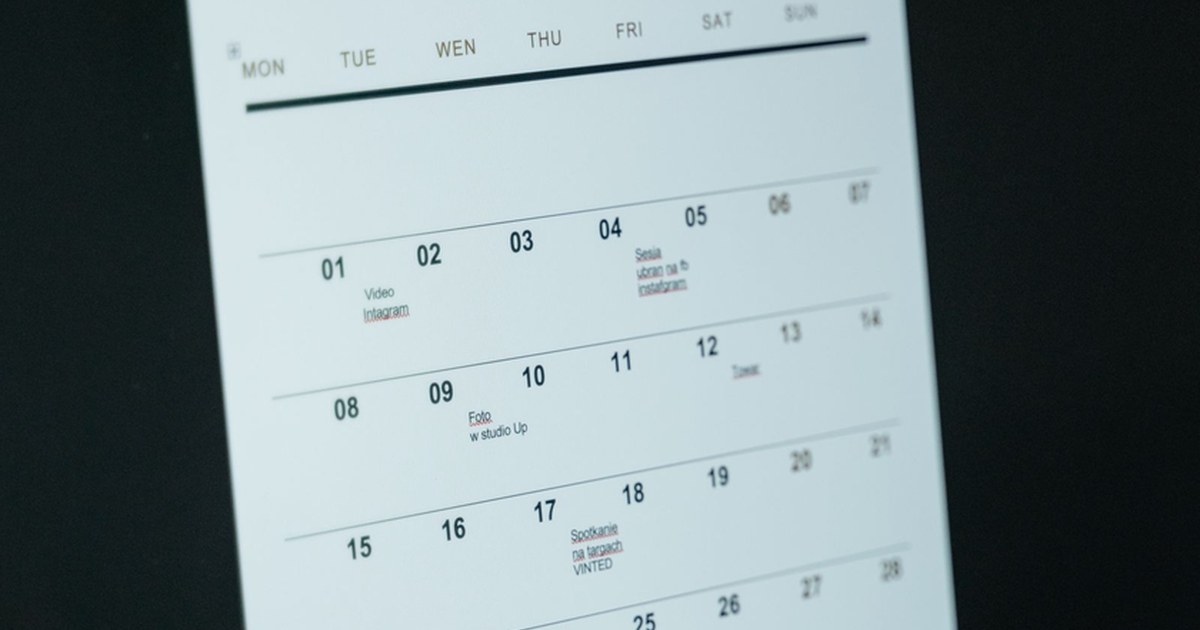
How to Plan a Content Calendar with AI (Without the Blank-Page Panic)
To plan a content calendar with AI, set your content pillars first, pick a posting rhythm you can keep, and have AI draft a month of ideas that you edit like an editor. Then produce the posts in batches and drop the finished pieces onto the calendar, so every week starts with posts already made instead of an empty grid.
The hardest part of a content calendar isn’t the scheduling. It’s the empty grid looking back at you. Most “AI content calendar” tools only fix the easy half: they publish a post you’ve already made at a better time. This guide covers the part they skip, which is planning the month and actually producing it.
Why a scheduler is not a content plan
A scheduler is a publishing layer. You queue a finished post, pick a time, and it goes out. That assumes the content already exists.
The moment you sit down to fill a calendar, you hit the real bottleneck: a blank page, an empty photo folder, and no video shot yet. A plan says what you’ll make and why. A scheduler puts it on a timeline. Most solo creators have the second and never get the first done. The setup that holds up is the same one behind a content system for a small business: a plan you can produce against, not a queue you can’t fill.
Define your content pillars before you ask AI for anything

This is the step most people skip, and it’s the one that makes everything else work.
Content pillars are the three to five recurring themes your account comes back to. A small-business coach might pick cash-flow habits, pricing confidence, tax-season survival and behind-the-business. An avatar-based personal brand might use transformation stories, process, creator burnout and client wins.
Once your pillars exist, “what do I post?” stops being an endless question and becomes a narrow one: which pillar am I hitting this week? Every AI prompt after that gets better because it has a structure to fill.
Set a rhythm you can actually keep
Before you fill any dates, decide how often you can realistically show up. A calendar you abandon after three weeks is worse than a smaller one you keep. Ten posts a week followed by silence in month two isn’t consistency. It’s burnout with extra steps.
Start smaller than you think, ship reliably, and grow from there. That cadence is what posting consistently with AI is built on.
Give the AI a brief, then edit like an editor
Write one solid brief: who you are and who you talk to in two sentences, your pillars, your cadence, any dates coming up, and the posts that did best last month. Ask for a table of ideas across the month, one per slot.
Expect a lot of the first pass to be filler. That’s fine. Cut the generic ideas, sharpen the good ones into real claims, ask for more ideas under your weakest pillar, and make the weeks build toward anything you’re launching. Picking from thirty ideas is far easier than inventing twenty.
Balance the kinds of posts, not just the topics
A feed that’s all teaching is as broken as a feed that’s all selling. Mix the job each post does:
- Educational: teach something your audience can use today.
- Promotional: name your offer plainly. Keep these a minority.
- Engagement: a question, a poll or a take that invites a reply.
- Story: behind the scenes, the origin, the failure, the win.
Planning time is when you can see the balance and fix it while it’s still cheap.
Plan one month at a time and leave buffer
Don’t plan a whole quarter in detail. By week five, what you learned in week two has already changed the plan. Plan the month, keep a loose backlog of spare ideas, and leave two or three slots empty on purpose for timely posts or a week where production runs long. A calendar with no slack breaks at the first obstacle.
Produce in batches, in one connected flow
A calendar built on four different apps fails for one reason: every post becomes a relay race. The image comes from one place, the video from another, captions from a third, scheduling from a fourth. Each handoff is a place to stop. More tools rarely means more finished posts, which is why you don’t need five AI subscriptions to make content.
Instead, sit down a couple of times a month and produce in batches in one flow. Build your avatar once, generate the image first, animate that image into video, add the script, captions and hashtags, and put the finished piece on your content calendar. You approve what goes out. The calendar holds the rhythm so you aren’t deciding what to post at 9 p.m.
Keep one face and one voice across the month
A month of posts with a drifting face or a shifting tone doesn’t build anything. Keep your look and voice with your avatar so they carry into every image, video and caption. Starting video from an approved image is the one rule for keeping AI characters consistent across videos, and batch planning is what makes it automatic.
The parts only you can fill
AI handles volume, structure and the blank page. It doesn’t know a topic flopped in your comments last month. It doesn’t have the client story only you know or the opinion nobody else is posting, and it won’t cut a post that’s fine but forgettable. Treat every AI calendar as a draft you approve or reject. A full queue is never a reason to publish filler. The same rule applies anywhere you bring AI into your business: keep a human in the loop.
Start with one week, then fill the month
Don’t try to plan and produce a whole month in your first session. Pick one week, make the pieces, put them on the calendar, and see how it feels to have the week already done. Once that works, extend it to the month. The pipeline you build for one week is the same one that fills the month.
FAQ
How do I plan a content calendar with AI?
Set three to five content pillars, choose a rhythm you can keep, and have AI draft a month of ideas from a short brief. Then edit the ideas, produce the posts in batches and add them to your calendar.
How many posts should I plan for a month?
Plan fewer than you think you can handle. A smaller calendar you keep beats a big one you abandon in week three, so leave a few empty slots for timely posts.
Is an AI scheduler the same as a content calendar?
No. A scheduler publishes posts that already exist. A content calendar plan decides what you’ll make, and you still have to produce it.
Can AI write my whole content calendar for me?
It can draft the ideas and the posts, but you should approve every one. AI doesn’t know what flopped last month, your client stories or your opinions.
How do I keep my posts looking consistent?
Keep one avatar with your look and voice, and start each video from an approved image. That keeps the same face and tone across the month.
How much does AI Influencer Suite cost?
Creator is $29/mo and Pro is $79/mo. You can build your avatar for free before adding a card.
Plan the month once, then let the calendar remember
AI Influencer Suite turns one brief into on-brand images, videos, scripts, captions and hashtags in one connected flow, and puts the finished pieces on your content calendar. No camera, no crew. Creator is $29/mo and Pro is $79/mo.