Post Instagram Reels From an AI Tool: One Click, No Download-Reupload Loop
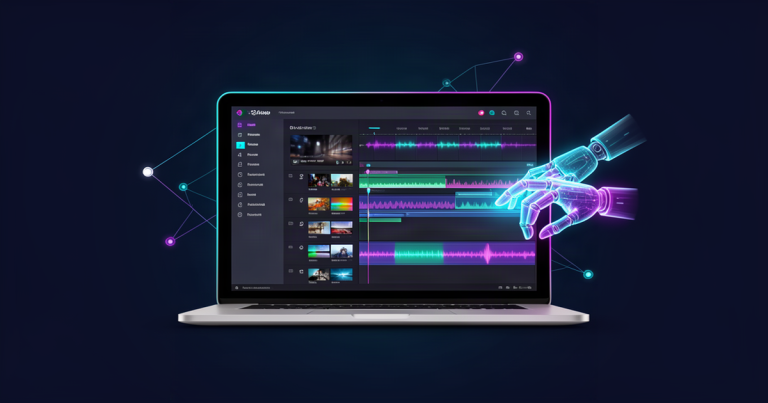
Yes, you can post Instagram Reels from an AI tool, as long as the tool publishes through Meta’s official Instagram API and your account is a Business or Creator account. In AI Influencer Suite you generate the Reel, review it, and press Publish to Instagram once, so the finished video goes from your library to your profile with no download, no AirDrop and no re-upload.
That is the whole answer. The rest of this page covers what the official route needs, the exact steps, why it is safer for your account than a posting bot, what Meta’s API can’t do yet, and how to fix the errors people hit on their first try.
Why the download-reupload loop costs you more than time
Most AI video tools stop at “Export.” Then the real work starts: download the MP4, move it to your phone, open Instagram, find the file in your camera roll, paste a caption you wrote somewhere else, and hope nothing got compressed on the way. One review of faceless video tools put it plainly: most tools generate, far fewer post for you.
For a persona running five to seven Reels a week, that loop is a daily chore, and chores are where posting streaks die. It also splits your work across devices. The caption lives in one app, the video in another, and the final check happens on a small screen at the last second. If you have ever posted the wrong version of a clip, you know the cost.
Posting from the tool fixes three things at once: the file never leaves the place it was made, the caption travels with it, and you review the exact Reel that goes live.
How you post Instagram Reels from an AI tool the official way
Meta runs a Content Publishing API that approved apps use to put Reels, photos and carousels on Instagram. It works like this under the hood:
- The app creates a Reel container. It hands Instagram a link to the video file and your caption.
- Instagram fetches and processes the video. Nothing is public yet. Meta’s docs tell apps to check the container’s status until it reads FINISHED.
- The app publishes the container. The Reel goes live on your profile at that moment.
To use it, three things have to be true:
- A professional account. Instagram only lets apps publish to Business or Creator accounts. Switching a personal account is free and takes about a minute in Instagram’s settings.
- Your permission, given on Instagram’s own screen. You log in on Instagram, not inside the tool, and approve publishing. The tool never sees your password.
- An app Meta has reviewed. Publishing to customers’ accounts needs Meta App Review. AI Influencer Suite passed Instagram App Review in October 2026, so creators can connect their own accounts.
Older guides say you also need a Facebook Page linked to your Instagram. That is true only for apps built on the Facebook Login version of the API. AI Influencer Suite uses Instagram Login, so you connect with your Instagram account directly.

Step by step: generate, review, publish
Here is the flow inside AI Influencer Suite, from an idea to a live Reel.
1. Connect Instagram once
Connect your Business or Creator account and approve publishing on Instagram’s screen. You do this one time; the connection stays for every Reel after.
2. Generate the Reel with your persona’s face
Build a photo of your avatar first, then animate it into a vertical video. That first photo is what keeps the same face from Reel to Reel. If your persona drifts between clips, read how to keep an AI influencer’s face consistent before you post anything. For the full making-of workflow, see how to make Instagram Reels with AI.
3. Write the caption next to the video
The app drafts a caption and hashtags in your persona’s voice. Edit it right beside the clip, so the words and the video you approve are the ones that ship. Instagram allows up to 2,200 characters.
4. Review the exact file
Watch it through once: face, hands, any on-screen text, the first two seconds. This is the step a posting bot skips and the one that protects your account.
5. Press Publish to Instagram
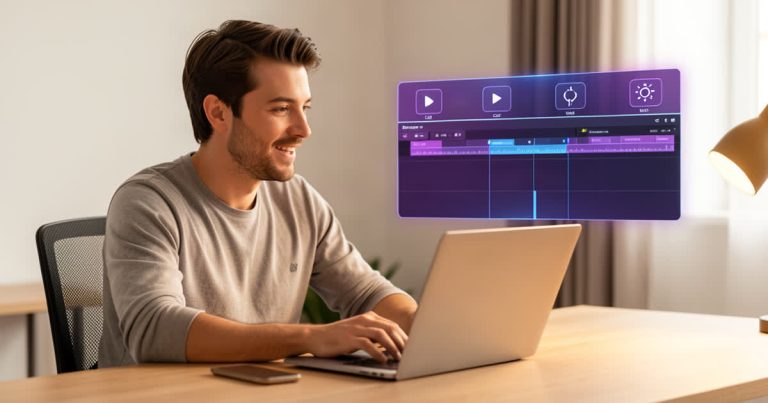
Open the Reel in your Content Library and click Publish to Instagram. The app sends it, waits up to a minute for Instagram to finish processing, then publishes. One click posts one Reel. Nothing posts by itself.
Official API vs. posting bots: the account-safety question
If you run an AI persona, you are already nervous about your account. Fair. The way a tool posts matters more than which tool it is.

| Method | How it gets in | Account risk | Who presses post |
|---|---|---|---|
| Download and re-upload | You, in the Instagram app | None from the tool | You, by hand, every time |
| Official API (one click) | Instagram’s permission screen, no password shared | Low: this is the route Meta built for apps | You, with one click in the tool |
| Login or browser bot | Your username and password, or a script that acts like a person | High: Instagram lists this as a reason accounts get restricted | The bot |
Instagram’s Terms of Use don’t allow accessing the service “in unauthorized ways,” and its help center lists giving your password to a third-party app, and using apps that interact with Instagram in unauthorized ways, among the reasons accounts get restricted. A tool that asks for your Instagram password is a red flag, however good its videos look.
The other common worry is reach. Adam Mosseri, the head of Instagram, has said more than once that posting through scheduling and third-party tools does not affect reach either way. The one caveat he gives: remove watermarks from other apps, because those can cost you reach. Reach comes from the Reel itself, not the button you pressed.
Account safety for AI personas goes beyond posting, especially around labels. Read what Instagram’s AI label rules mean for your reach before your next batch.
What the API (and the app) can’t do yet
Being honest about the limits will save you a frustrated afternoon.
- No scheduling in the app yet. Today every Reel is one explicit click, published when you click. Scheduled posting needs a further Meta review, and a Social Manager that plans and queues posts is on the roadmap. Until then, plan the week on the content calendar and publish each Reel when it’s due.
- No Instagram music library. The API publishes the audio already inside your video file. It can rename that audio, but it can’t attach a trending track from Instagram’s library. If a Reel depends on a trending sound, add it in the Instagram app instead.
- No stickers, filters or shopping tags. Meta’s publishing API doesn’t support them.
- Instagram only, for now. TikTok and other platforms still mean downloading the file. More platforms come after Meta.
- DMs are drafts, not auto-replies. When the Reel brings in messages, the inbox drafts every reply for you to approve, and you click Send on each one. Nothing goes out in your persona’s name that you didn’t see.
On AI disclosure: Meta can apply an AI info label when a publishing app sets it, when Meta detects industry AI metadata such as C2PA or IPTC, or when you self-disclose. Put a short disclosure in the caption as well, so followers and brands never feel misled.
Fix the five errors people hit on the first post
- The account won’t connect. You’re probably on a personal account. Switch to Creator or Business in Instagram’s settings and reconnect.
- Processing timed out. Instagram is still pulling the video. Wait a minute and press Publish again; nothing was posted on the failed try.
- The video is rejected. Meta’s Reel specs: MP4 or MOV, H.264 or HEVC video, AAC audio, 23 to 60 frames per second, 3 seconds to 15 minutes long, 300 MB maximum. Vertical 9:16 avoids cropping.
- The connection stops working. This can happen after you change your Instagram password or remove the app’s access in Instagram settings. Reconnect from the app.
- Daily limit reached. Meta caps each account at 100 API-published posts in a rolling 24 hours. A solo persona won’t hit it, but a bulk-posting bot would.
What one-click posting is worth to a solo operator
Cutting the export step doesn’t make a Reel better. It makes posting the easy part, which is what keeps a persona consistent. And consistency, not volume, is what creators who keep posting have in common.
It also keeps your work in one place: the face, the video, the caption, the published Reel and the DMs it brings in. When a Reel takes off and brand offers land in your inbox, you’re replying from the same app, with drafts ready to approve. If that’s where you’re headed, read how to get brand deals as an AI influencer.
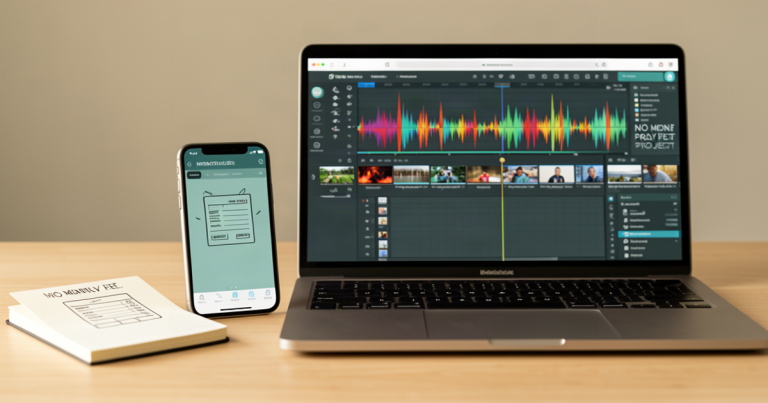
On cost: the Creator plan is $29 a month with 10 videos, and Pro is $79 a month with 25. If you teach students or run personas for clients, the Partner plan is $99 every six months and runs the app under your own API keys and branding. For a full breakdown against a stack of separate tools, see how much it costs to run an AI influencer.
FAQ
Can I post Instagram Reels from an AI tool without a Business account?
No. Instagram only lets apps publish to professional accounts, Business or Creator. A Creator account keeps your profile looking personal and is free to switch to in Instagram’s settings.
Does posting from an AI tool hurt my Reels reach?
Not according to Instagram. Its head, Adam Mosseri, has said posting through third-party tools doesn’t affect reach either way. Watermarks from other apps can hurt reach, so post clean files.
Is it safe to connect my Instagram to an AI tool?
It is when the tool uses Meta’s official API and you approve access on Instagram’s own screen. Avoid any tool that asks for your Instagram password; Instagram lists that as a reason accounts get restricted.
Can I schedule Reels from AI Influencer Suite?
Not yet. Today you publish each Reel with one click when it’s ready. Scheduling needs another Meta review, and a Social Manager for planning and queueing posts is on the roadmap.
Can Meta label my Reel as AI?
Yes. Meta’s Content Publishing API supports an AI info label when the publishing app sets it. Meta also labels content when it detects industry AI signals such as C2PA or IPTC metadata, or when creators self-disclose. Add a short disclosure line in the caption too.
Can I post to TikTok the same way?
Not yet. Direct publishing covers Instagram Reels today. For TikTok, download the finished video from your library and upload it there. More platforms come after Meta.
Post your next Reel from where you made it
Make the Reel, check it once, and publish it with one click, with the same face every time and every DM reply drafted for you to approve. Start free, no card.